Tab 4 — AI Chat
Conversational interface for iterative document Q&A.
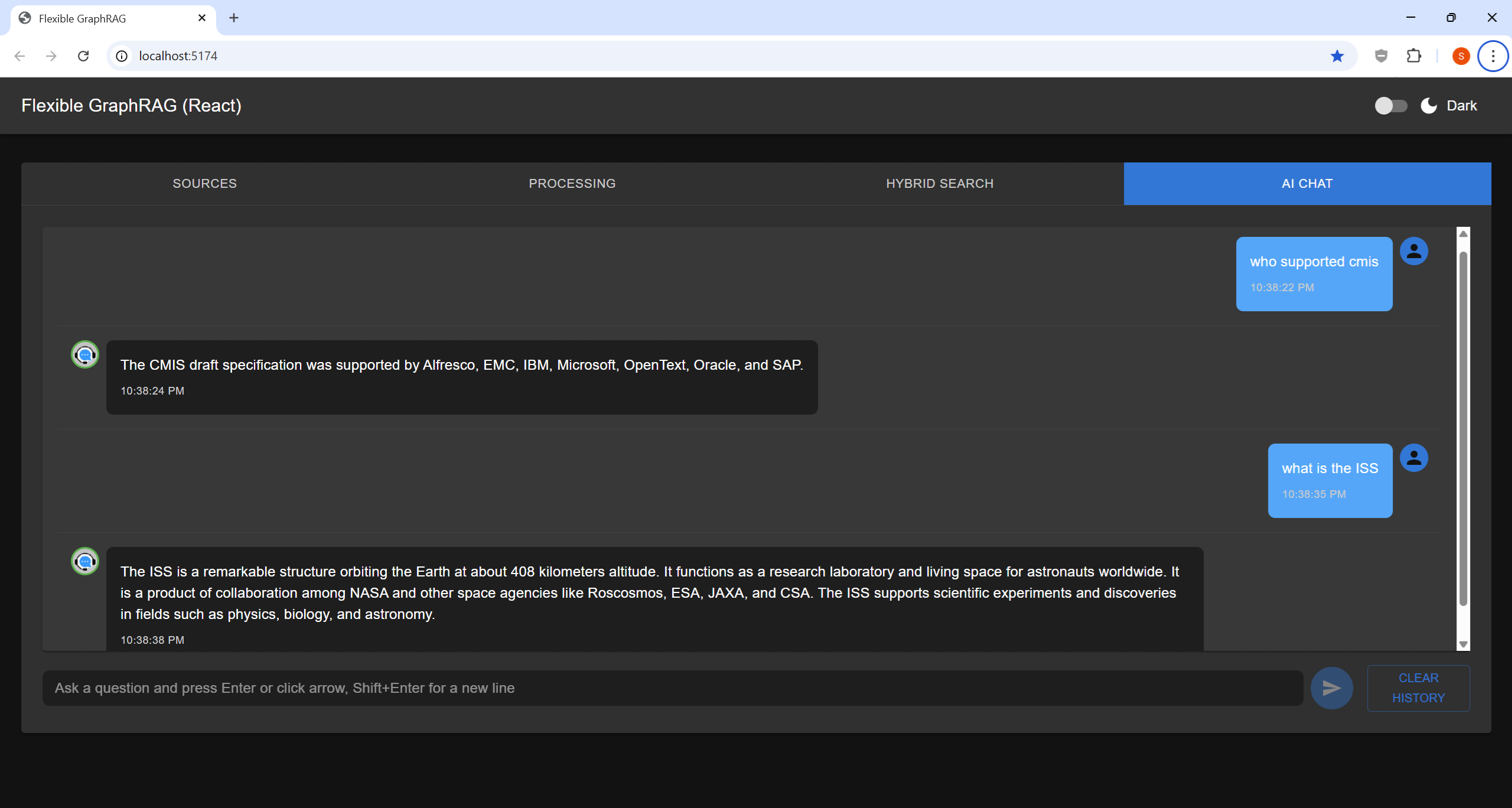
- Your questions appear on the right; AI answers appear on the left
- Type your question and press Enter or click Send
- Each answer lists the documents it came from under Sources:; a name is a link when the document can be opened (ACA's viewer or Alfresco Share, Nuxeo Web UI, SharePoint / OneDrive, Box, Google Drive, GCS, and S3 / Azure Blob through short-lived signed URLs; see Hybrid Search)
- The Sources chips above the input limit a question to chosen sources, and the header's sign-in pill makes answers use only documents you may read; see the Sign-In and Permission-Aware Search guide
- Full conversation history is preserved in the session
- Click "CLEAR HISTORY" to start a new conversation
- Best for: Follow-up questions, iterative exploration, multi-turn reasoning