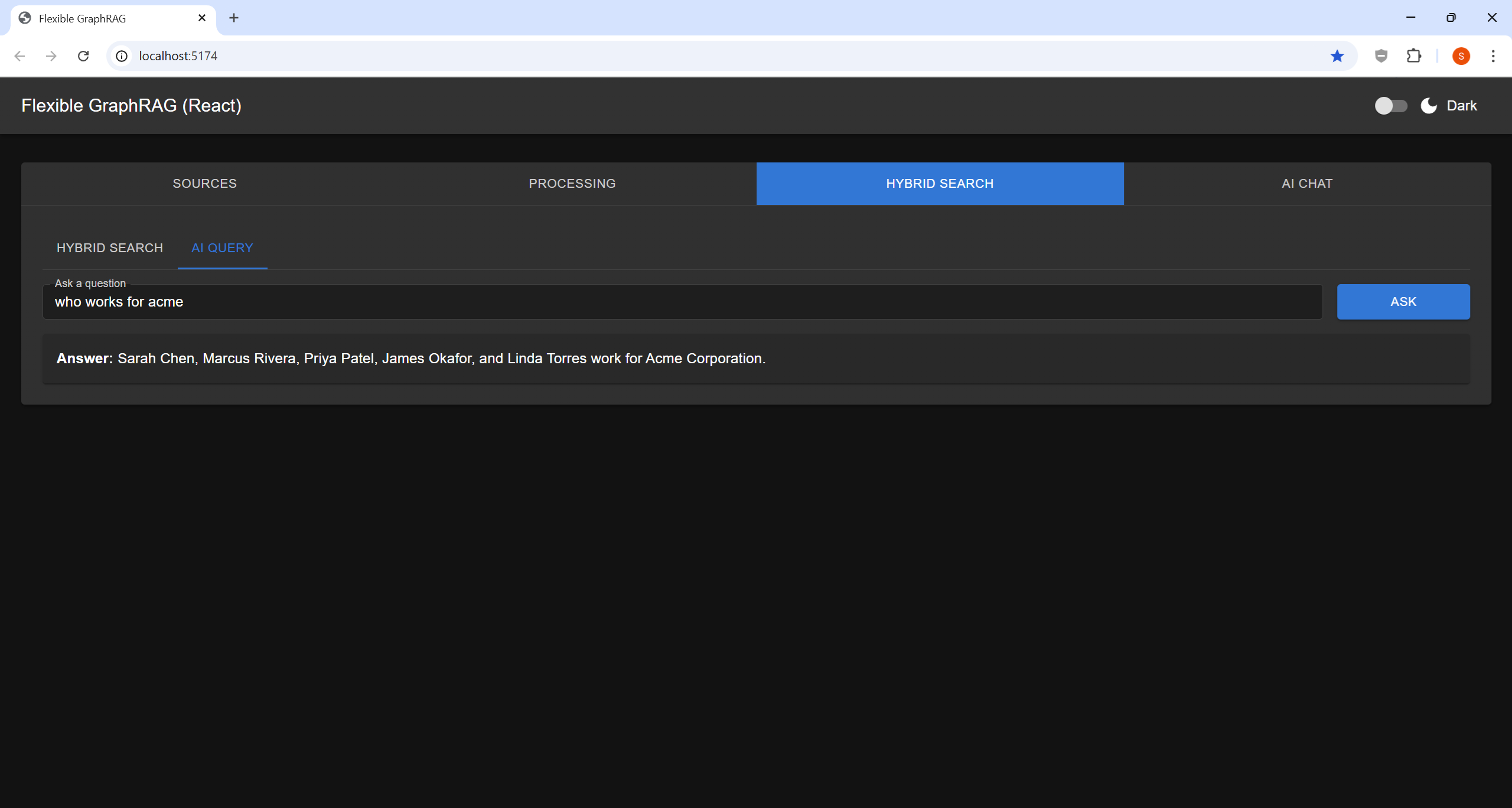
Tab 3 — Hybrid Search
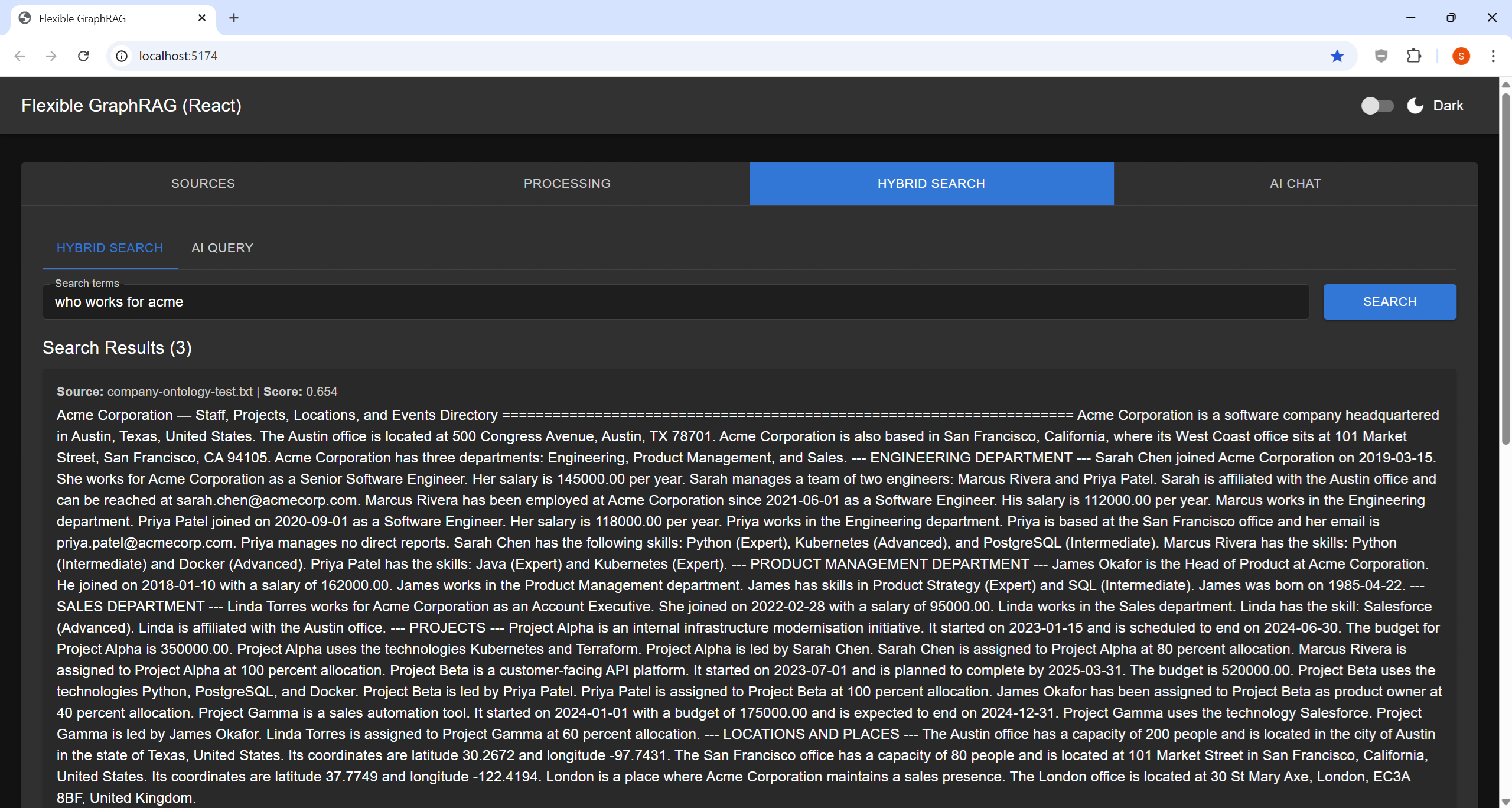
Two search modes available.
Sources and sign-in: the Sources row (chips) above the search box limits a search to chosen sources; a chip for a source that needs a sign-in is greyed until you sign in, and clicking it opens the sign-in. The header's sign-in pill (one pill, with a menu of servers) signs you in to Alfresco, Nuxeo, CMIS, Microsoft 365 (SharePoint, OneDrive), Box, Google (Drive, Cloud Storage), Azure Storage (Azure Blob) and Amazon S3, so results include only documents you may read. Microsoft, Box, Google and Azure open a popup sign-in window, so allow pop-ups for the app's site. See the Sign-In and Permission-Aware Search guide.
Hybrid Search
Finds and ranks the most relevant document excerpts.
- Input: Search terms or phrases (e.g.,
"machine learning algorithms") - Click: SEARCH
- Output: Ranked list of excerpts with relevance scores and source filenames
- Best for: Research, fact-checking, finding specific passages
The search fuses vector similarity + BM25 full-text + graph traversal results.
Source Labels in Results
Every search result shows which database it came from. The label appears after the filename:
cmispress.txt | Neo4j property graph
cmispress.txt | Elasticsearch search
company-ontology.txt | Qdrant vector
company-ontology.txt | Ontotext GraphDB rdf graph
Current builds also name the data source type between the file and the store, for every source,
e.g. Source: cmispress.pdf | SharePoint | Qdrant vector | Score: 0.250.
Graph and RDF results name the document their facts came from too; a result built from several documents lists up to two names, then (+N more).
The document name is a link when the document can be opened, in a new browser tab: Alfresco
documents open in the Alfresco Content App's viewer (ACA at ALFRESCO_ACA_URL in the backend
.env, default ALFRESCO_URL + /content-app), or in Alfresco Share with ALFRESCO_VIEWER=share, or
any page via ALFRESCO_OPEN_URL (with {node_id} in it). Nuxeo documents open in the Nuxeo Web
UI; web pages and Wikipedia articles open at their URL, and a YouTube transcript segment opens the
video at that segment's start. Alfresco ACA links find the document's folder with your own
sign-in (no service account needed). SharePoint and OneDrive documents open in SharePoint /
OneDrive, Box documents at their Box page, Google Drive files at their Drive page and GCS objects
at storage.cloud.google.com. Amazon S3 and Azure Blob links open the file itself through a
short-lived signed URL made with your own sign-in (an S3 presigned URL, or an Azure
user-delegation SAS); without an S3 sign-in, S3 links go to the object's page in the AWS console.
In KG Spaces, Alfresco documents open in ACA's viewer in the same tab, and closing the viewer
(✕) brings you back to KG Spaces with your results and conversation. In KG Spaces for Nuxeo
(v0.9.0+), Nuxeo documents open in Web UI's own tab, reused each time (a document of another
Nuxeo server opens in a new tab), so you keep one Web UI tab and one KG Spaces tab.
When multiple databases return the same passage, duplicate filtering keeps only the highest-scoring copy — so not all configured databases will always appear in the results. This is expected behavior.
Note: The screenshot above predates the source label feature. Current builds show the
filename | databaselabel on every result card.
AI Query
AI-generated answers to natural language questions.
- Input: Natural language question (e.g.,
"What are the main findings?") - Click: ASK
- Output: AI-generated narrative answer synthesized from your documents, followed by Sources: — the documents the answer came from, best first, as links where they can be opened (see above)
- Best for: Summarization, analysis, overviews